Forms
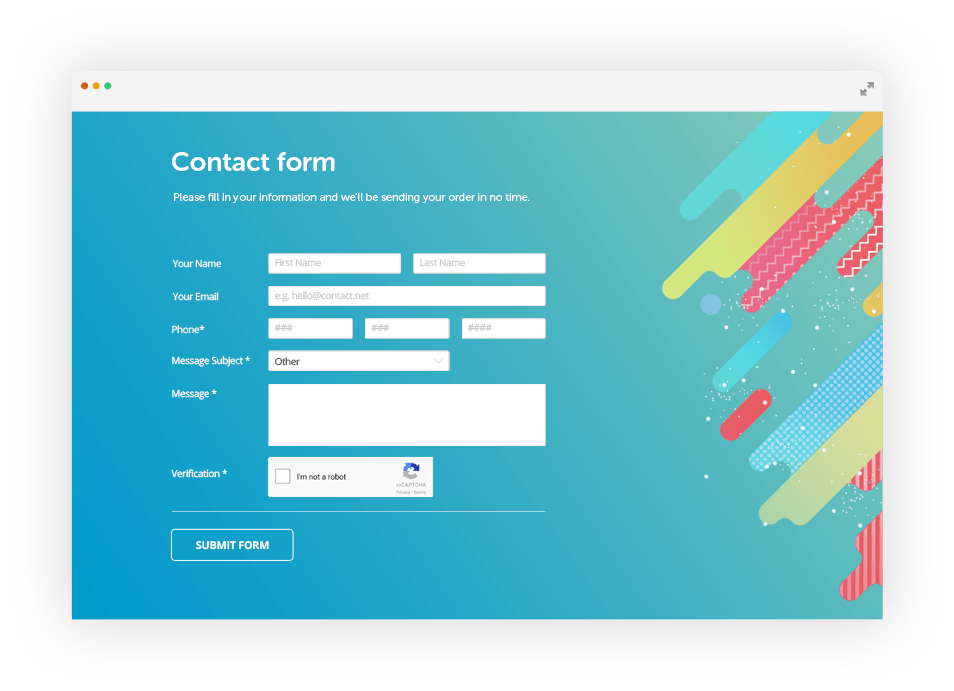
A form is simply an area that contains form fields. A form field is an object which the user can add information to – whether it be a text area, a radio button or a dropdown menu. Any web form essentially works the same way – the user fills in some information and submits a button. The form is essential if you want to know anything about your user – e.g. have them send you a mail, store information about them in your database.
How does an HTML form work?
- A user visits your web page which contains a form.
- The users’ web browser displays the HTML form.
- The user fills out the form and clicks submits
- The browser sends the submitted form data to the web server
- A form processor script (also known as a formmail) running on the web server processes the form data
- A response page is sent back to the browser.
 .
.
Events
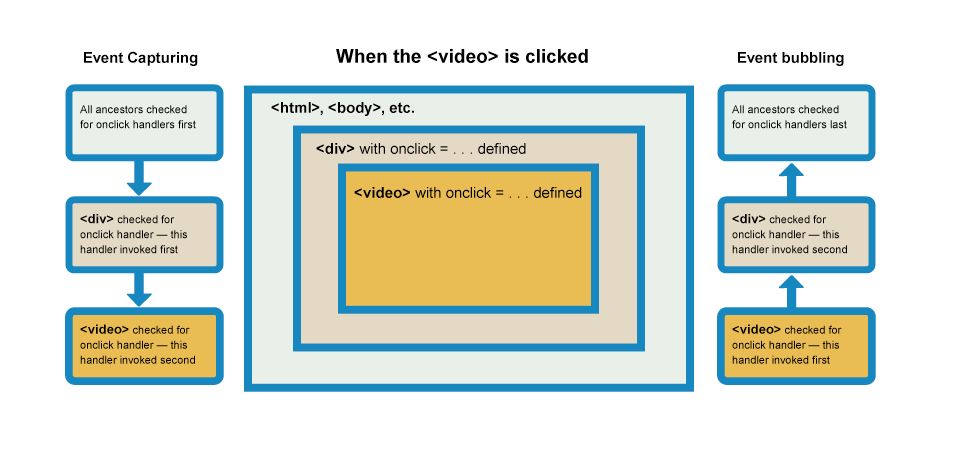
Events are actions or occurrences that happen in the system you are programming, which the system tells you about so you can respond to them in some way if desired. For example, if the user selects a button on a webpage, you might want to respond to that action by displaying an information box. In this article, we discuss some important concepts surrounding events, and look at how they work in browsers. This won’t be an exhaustive study; just what you need to know at this stage.
 .
.